For travel managers
Run the programme, not the inbox
Policy, people, approvers, exceptions and safety in one admin view, with an account team that reviews the programme with you.
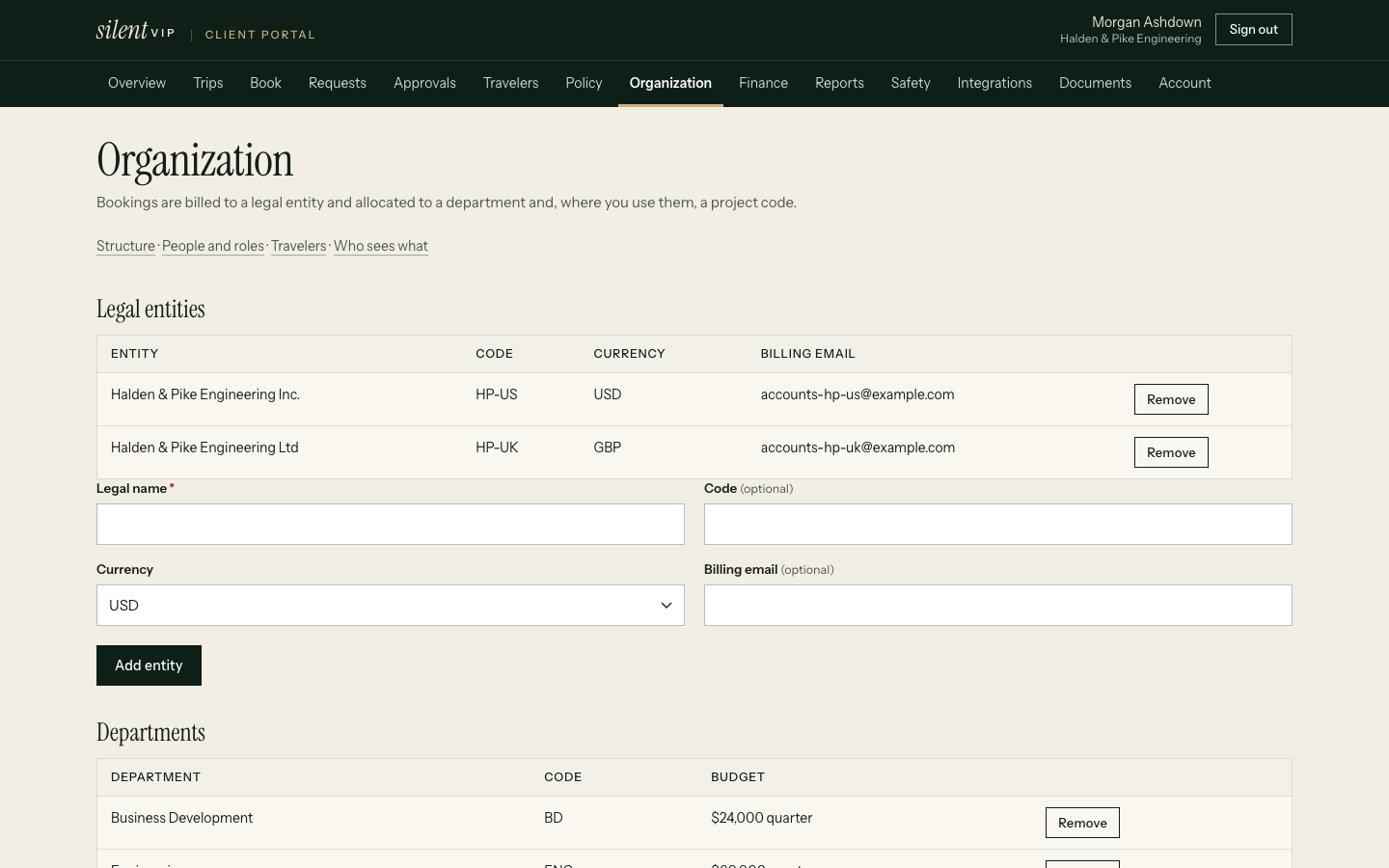
The admin experience
Three everyday tasks
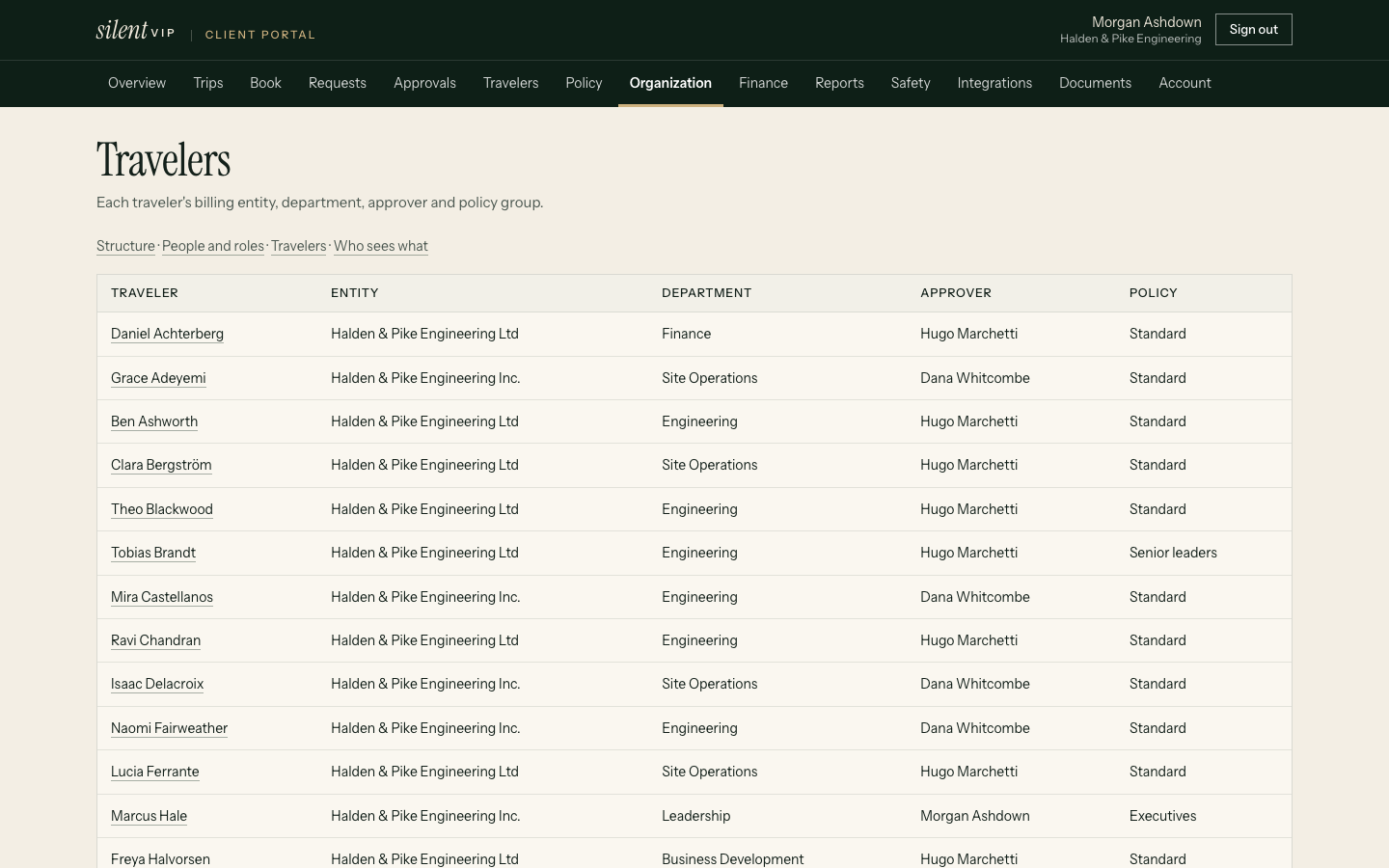
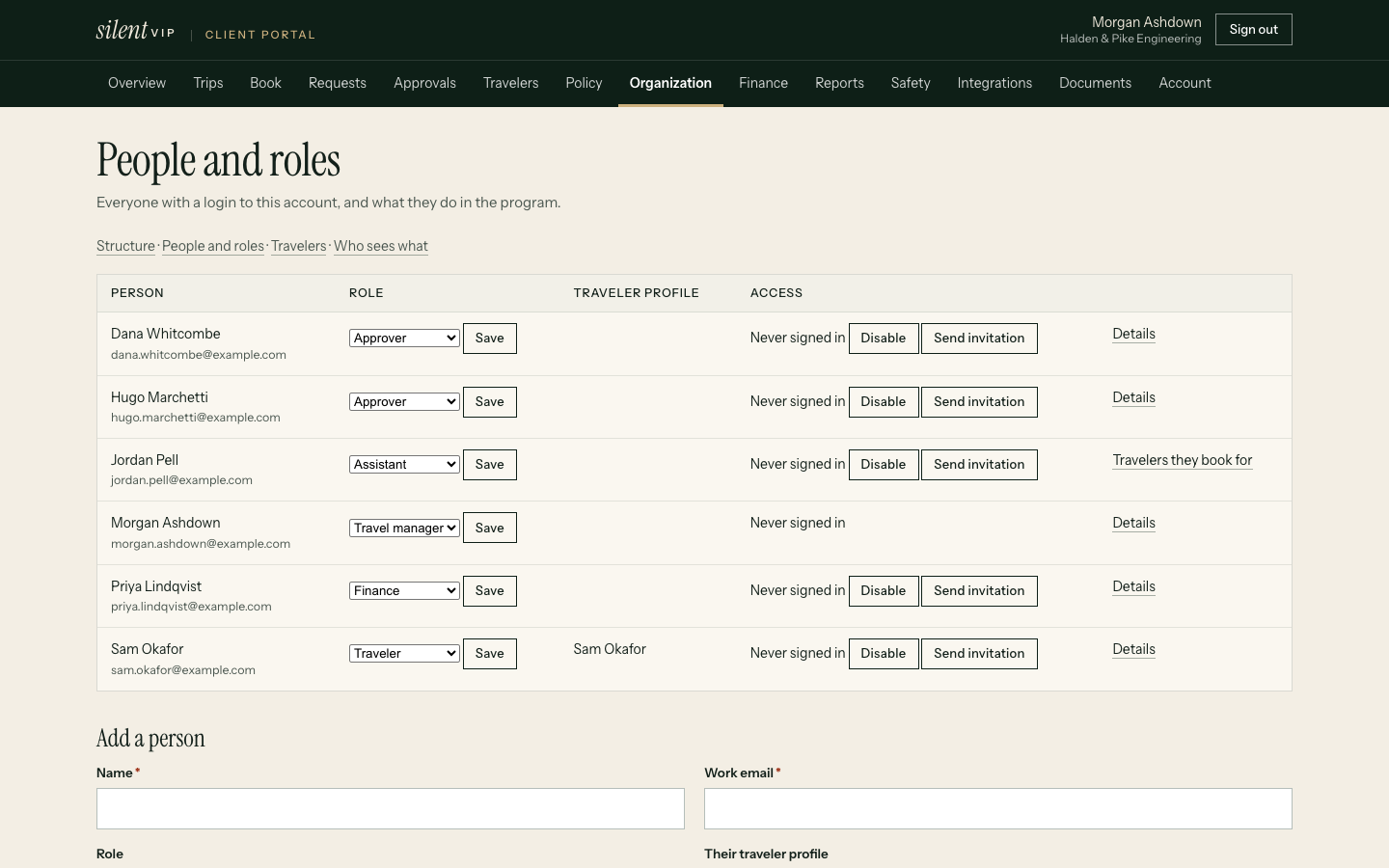
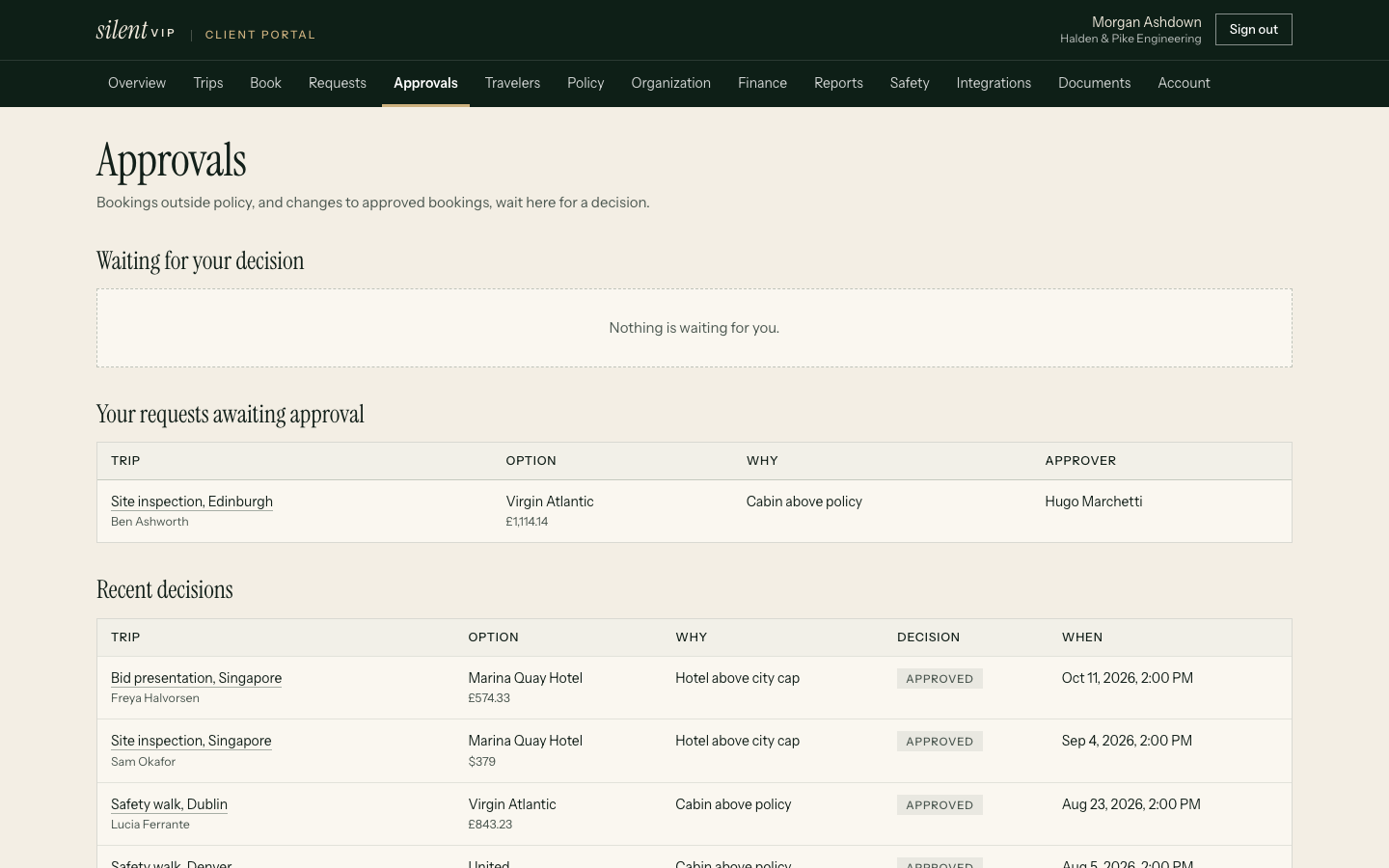
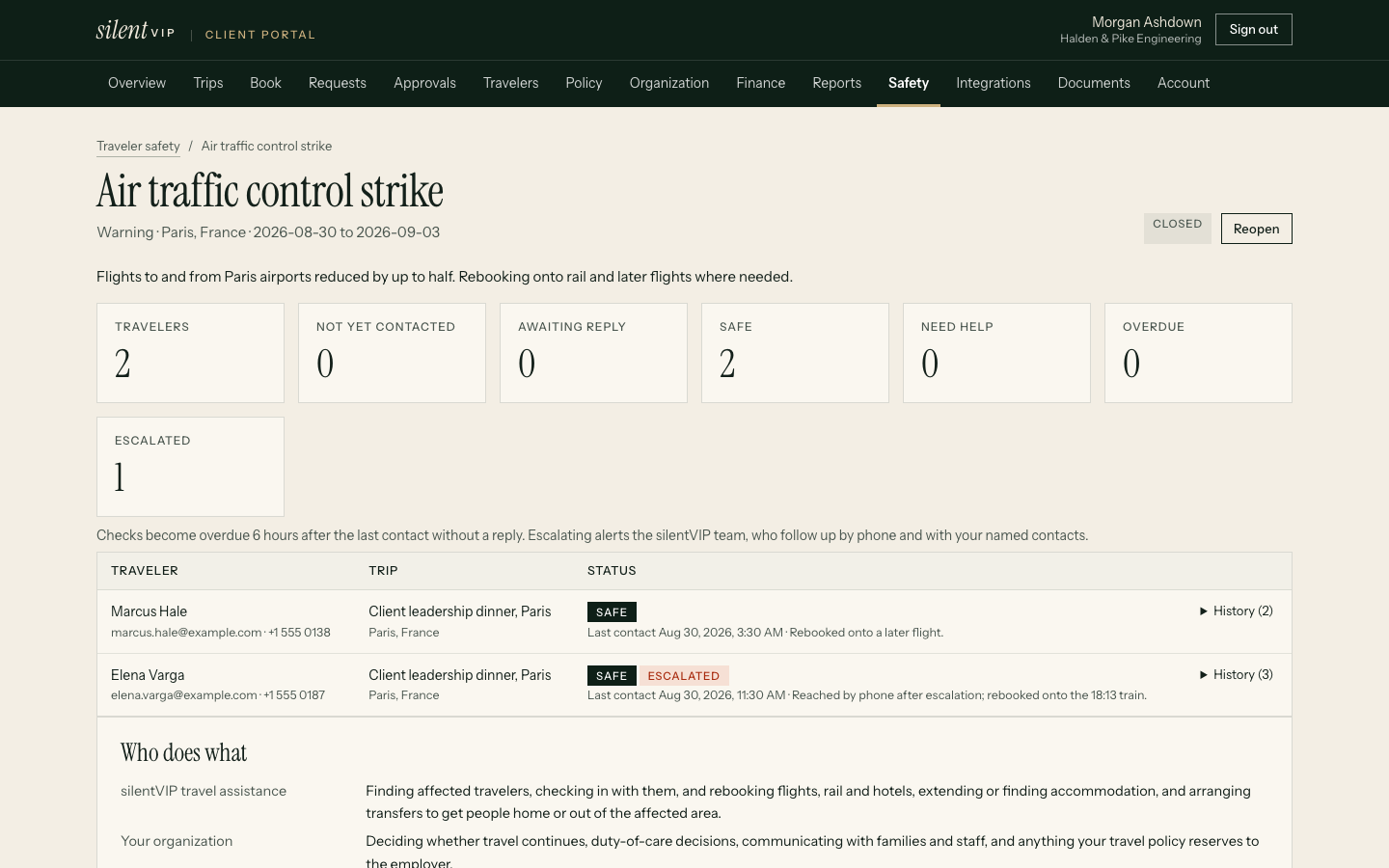
In your hands
What a travel manager controls
- Policy: cabin, hotel caps, advance booking, preferred suppliers, trip maximum, approval mode and restricted destinations, per policy group
- People: travellers, account users and roles (travel manager, finance, assistant, approver, traveller), and assistant delegations
- Supplier visibility: spend by airline, hotel and supplier in reports
- Exceptions: every out-of-policy booking with its justification
- Safety: incidents, affected travellers and check-ins
Account management
A team that knows your programme
Every programme has a named account manager; programmes over 250 travellers also have a deputy.
Implementation
Policy, people, payment and integrations set up and tested before launch.
Monthly report
Findings with actions, owners and follow-up dates.
Programme review
A quarterly programme review, with a written summary sent within five business days.
Programme review
What it covers
| Section | Contents |
|---|---|
| Spend | Against budget, by department and supplier |
| Policy | Exception rate and the rules that trigger most often |
| Service | Response times against commitments and open cases |
| Recovery | Refunds outstanding and recovered, credits used and expiring |
| Next quarter | Agreed changes, owners and dates |
Evidence
What customers report
Example stories shown until approved customer stories are supplied. They describe no real company.
Questions
Practical answers
Can we have more than one travel manager?
Yes. Give anyone the travel manager role in Organisation.
Can we import our people?
Yes, from an HR roster CSV with a preview before anything changes. See HR roster import.
Who can see what?
Each role sees only what it needs. Finance sees spend and invoices, assistants see the travellers they support, and travellers see their own trips.
See the admin experience
We'll add a traveller, change an approver and review an exception live.