Reporting & savings
Know what travel cost, and what to do next
A dashboard that states its own period, freshness and gaps, a monthly report that ends with actions rather than charts, and money owed back to you tracked until it arrives.
Walk-through
The reports a programme runs on
The dashboard
Everything finance and travel managers ask for
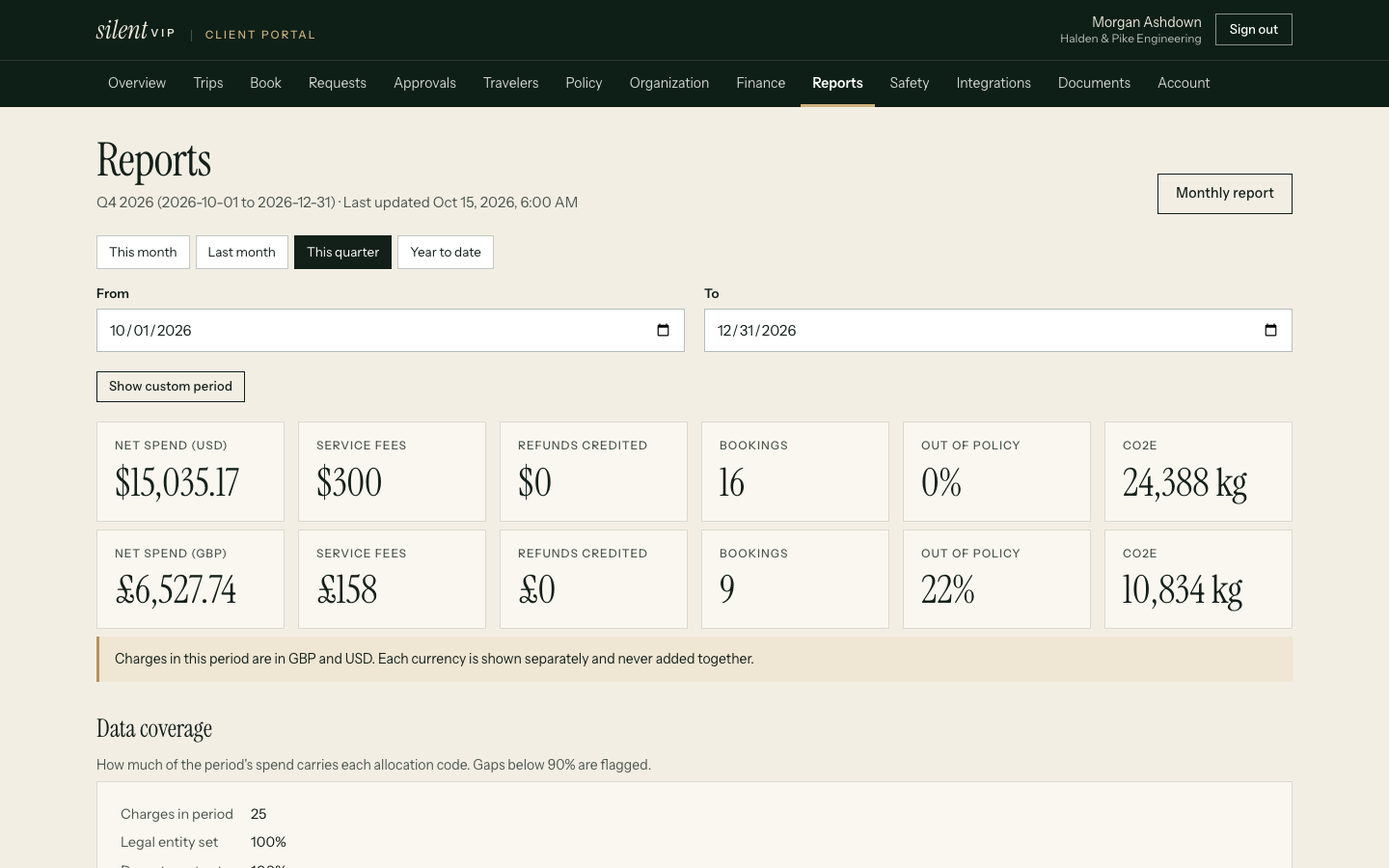
- Spend by entity, department, project, supplier, category and traveller, net of refunds, with other currencies kept separate rather than added together
- Upcoming commitments: confirmed future travel already paid for
- Policy exceptions with justifications and approvers
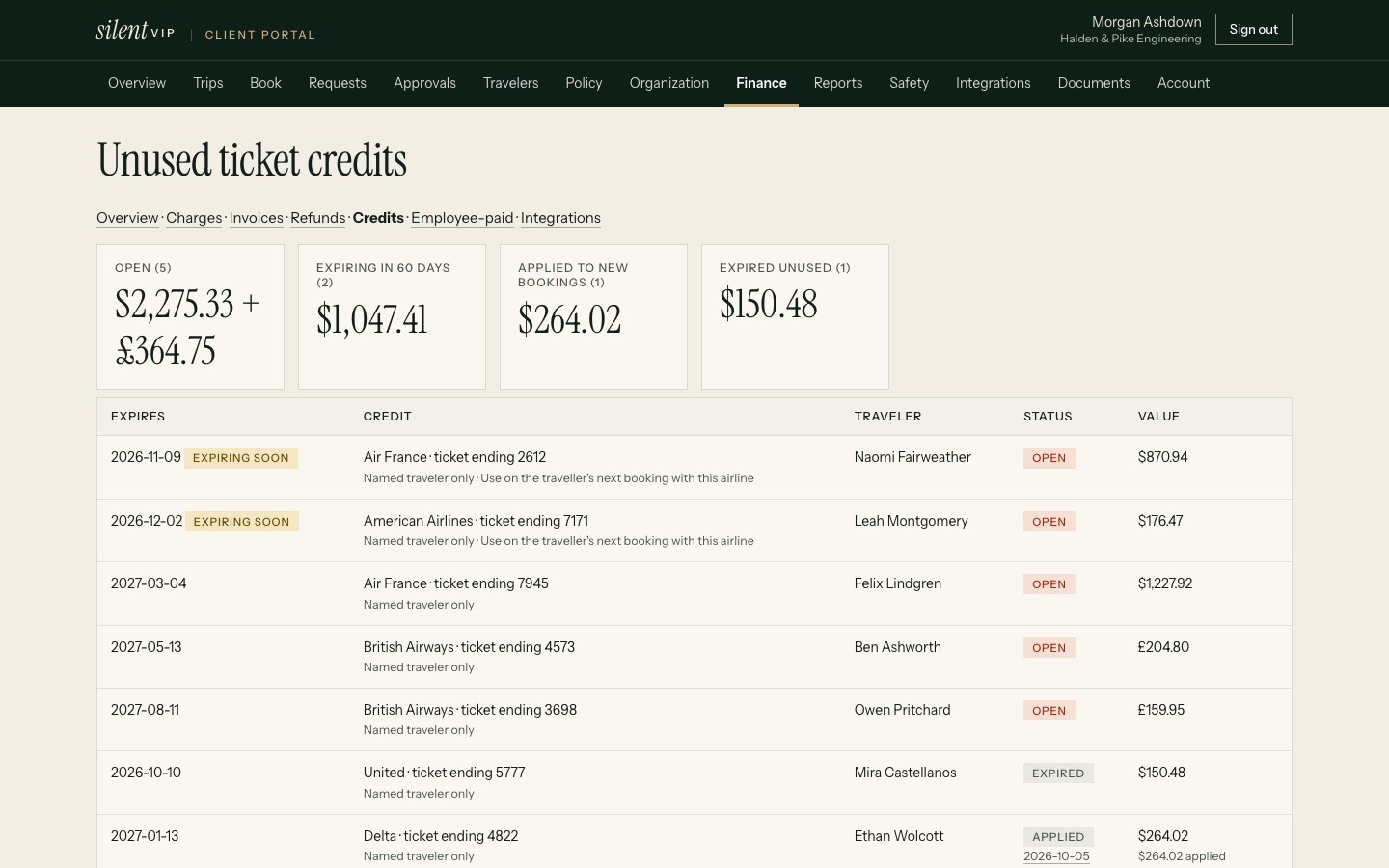
- Outstanding refunds and unused ticket credits with expiry dates
- Budget versus actual for each department
- Emissions (CO2e) by the same breakdowns
- Every table downloads as CSV
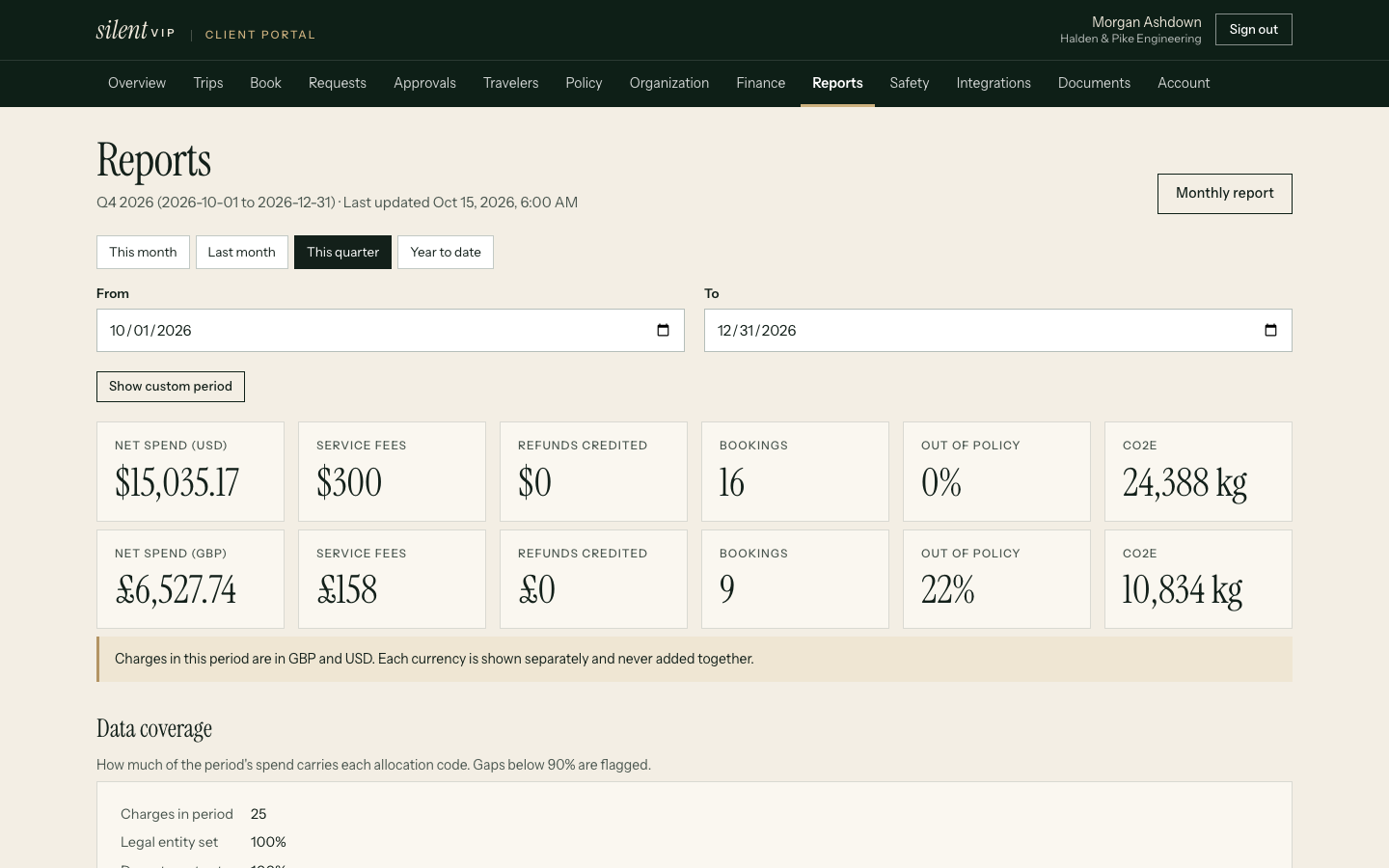
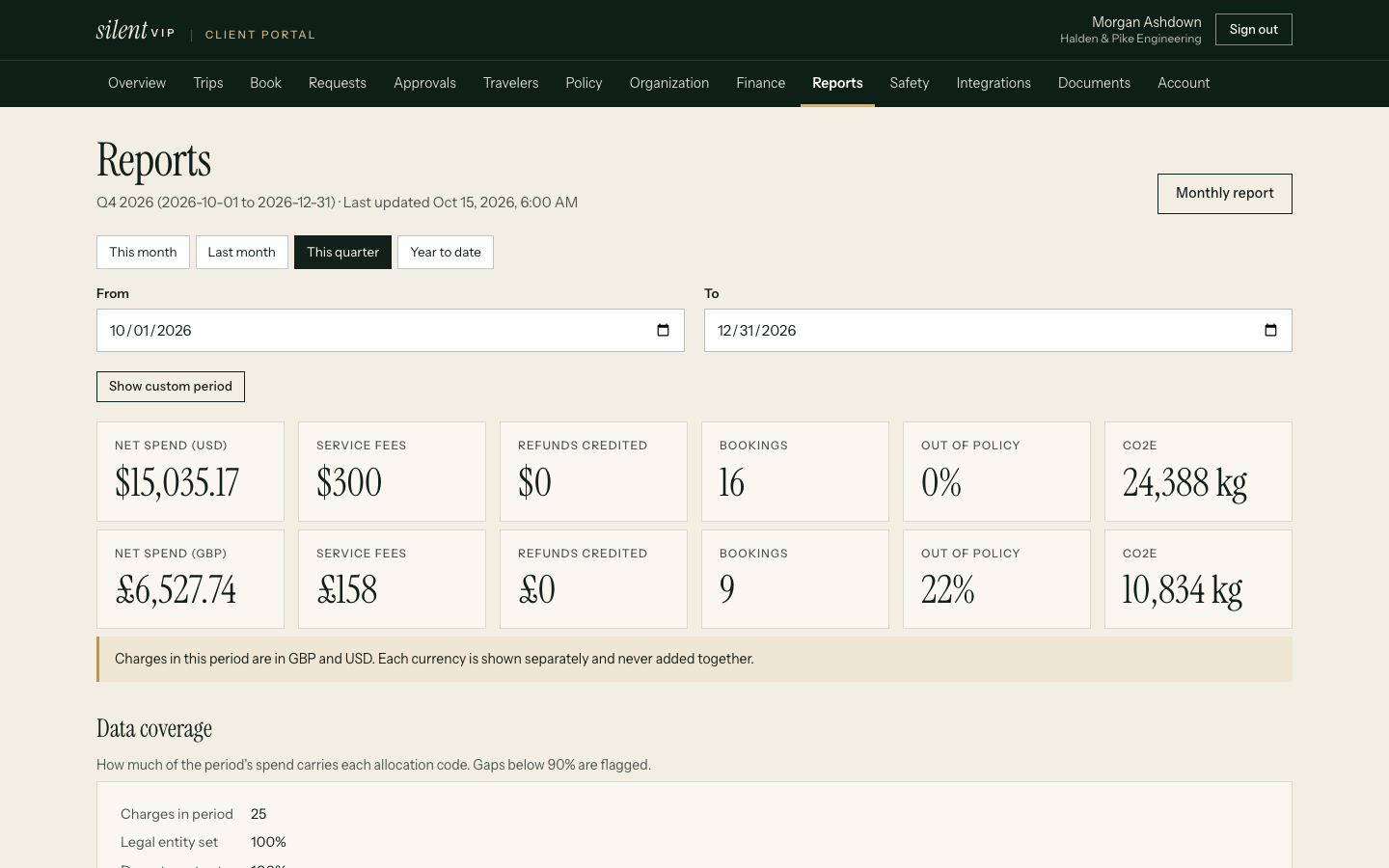
Honest about its data. Each view shows the reporting period, when it was last updated, and coverage: the share of charges that have an entity, department and project. Gaps are visible, not hidden in totals.
Monthly report
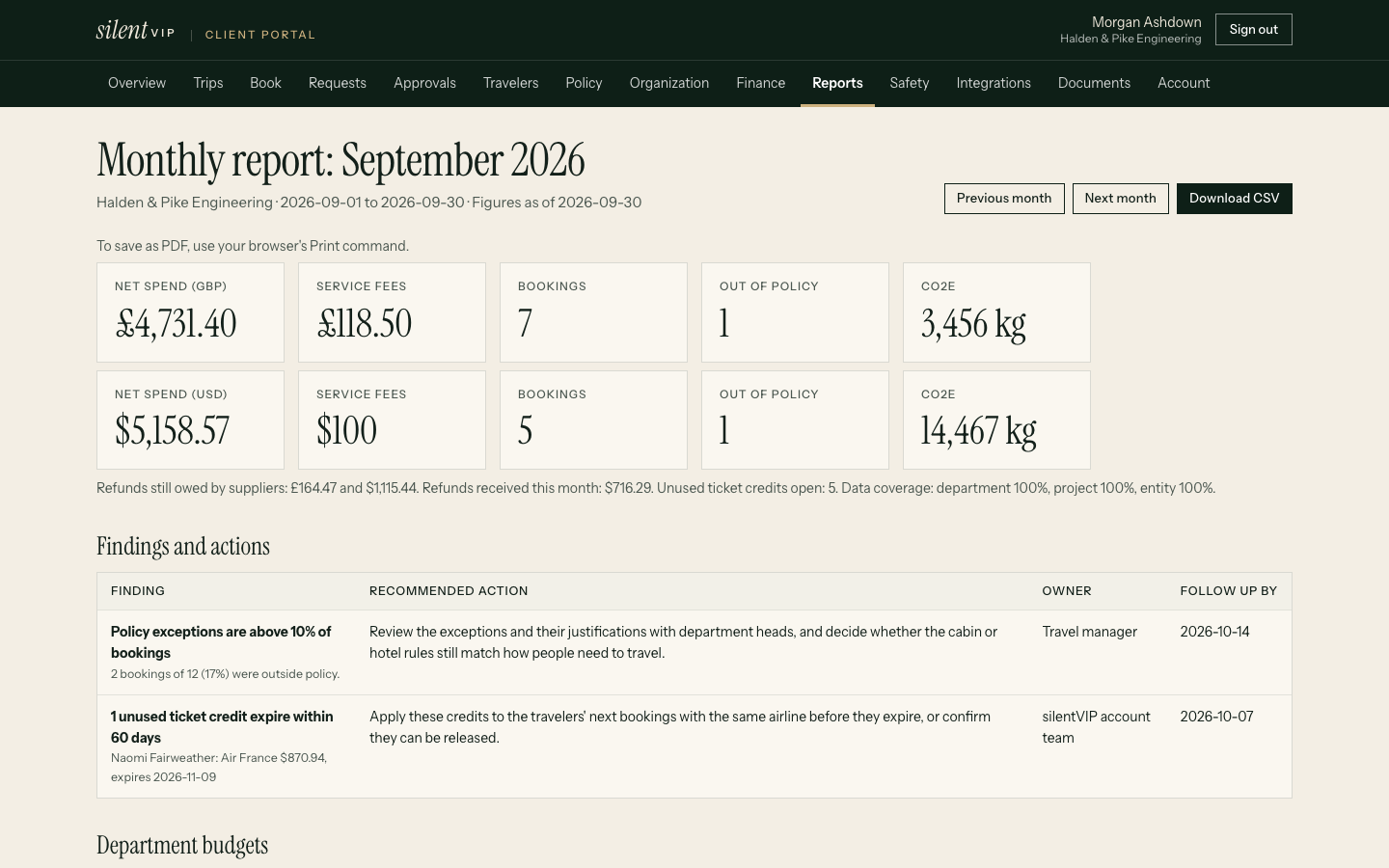
Findings, actions, owners and dates
| Finding | Recommended action | Owner | Follow up |
|---|---|---|---|
| Exceptions on 14% of bookings (target under 10%) | Review the cabin rule for 6–9 hour flights with Sales | Travel manager | 15 Oct |
| 3 ticket credits worth $1,410 expire within 60 days | Apply them to the next trips for those travellers | silentVIP account team | 10 Oct |
| 2 refunds older than 30 days ($651) | Escalate with the suppliers | silentVIP account team | 8 Oct |
| Marketing is 18% over its quarterly budget | Agree a forecast with the department head | Finance | 20 Oct |
Credit and refund recovery
Money owed back to you, tracked until it's back
Unused tickets and refunds are easy to lose between a cancellation and month end. They're tracked as their own records, with outstanding amounts kept separate from money actually recovered.
Unused ticket credits
Identify
A cancelled non-refundable ticket becomes a credit with the airline, ticket number (last 4 digits), value and traveller.
Check eligibility
We record whether it's transferable to another traveller and any airline conditions.
Track expiry
Credits are listed by expiry date, and anything expiring within 60 days is flagged in reports.
Apply
When the traveller books with that airline again, the credit is applied to the new ticket and marked used, with the amount applied.
Refunds
| State | Meaning |
|---|---|
| Requested | We've asked the supplier for the refund |
| Processing | The supplier has accepted it; the money hasn't arrived yet |
| Received | The money is back, with the amount and date received |
Reports show outstanding (expected but not yet received) and recovered (received) as separate totals, so an expected refund never counts as savings.
Evidence
What customers report
Example stories shown until approved customer stories are supplied. They describe no real company.
Questions
Practical answers
How current is the data?
Can we get the data out?
Do you claim savings you haven't delivered?
How are emissions calculated?
See your spend the way finance would
Bring a month of travel and we'll show the dashboard and monthly report on it.