For executive assistants
Book for the people you support, without their passwords
Switch between the travellers you're authorised for, keep their preferences on file, get approvals and handle changes, with the traveller, you and our team all looking at the same itinerary.
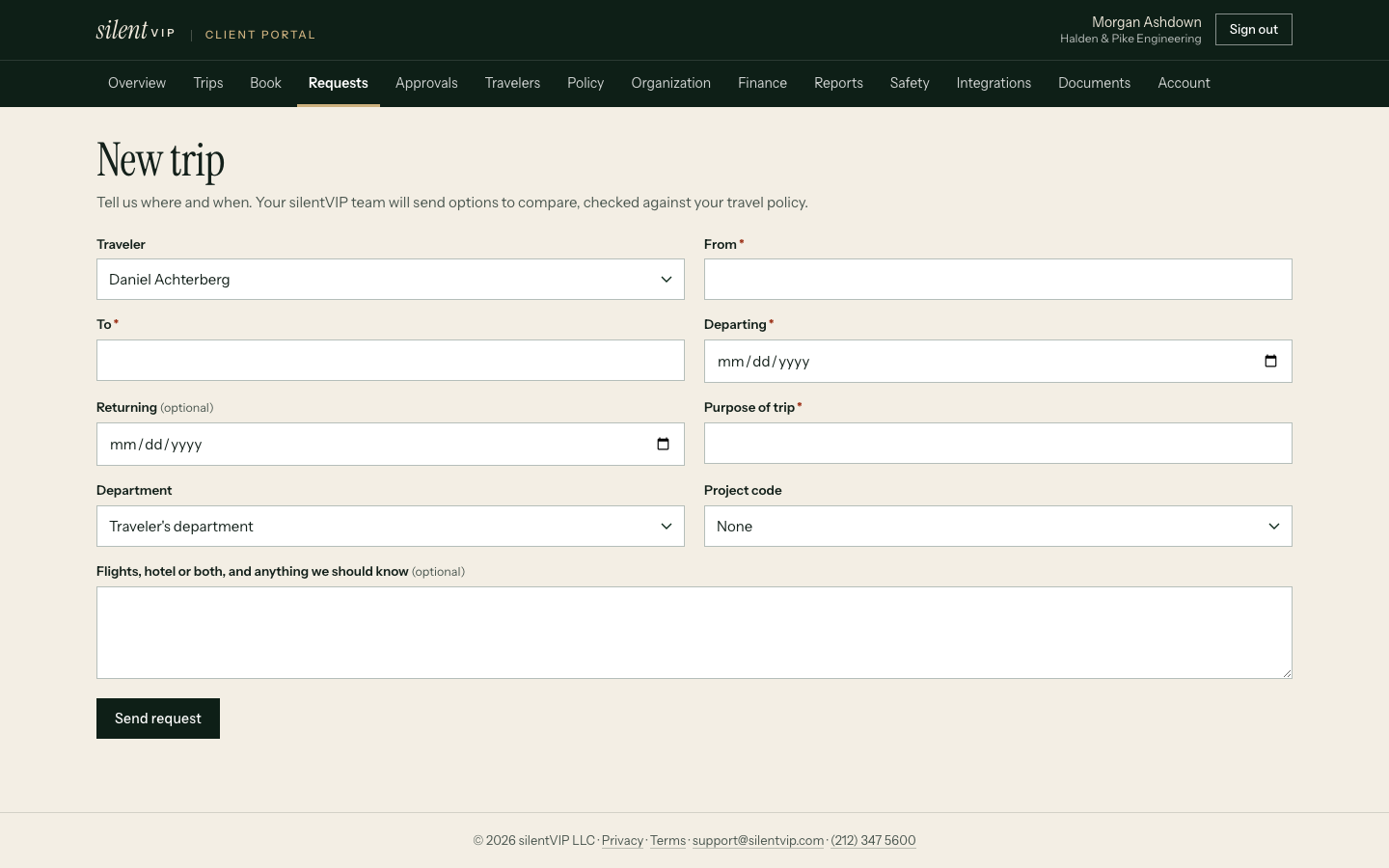
Delegated booking
A multi-city trip and a change
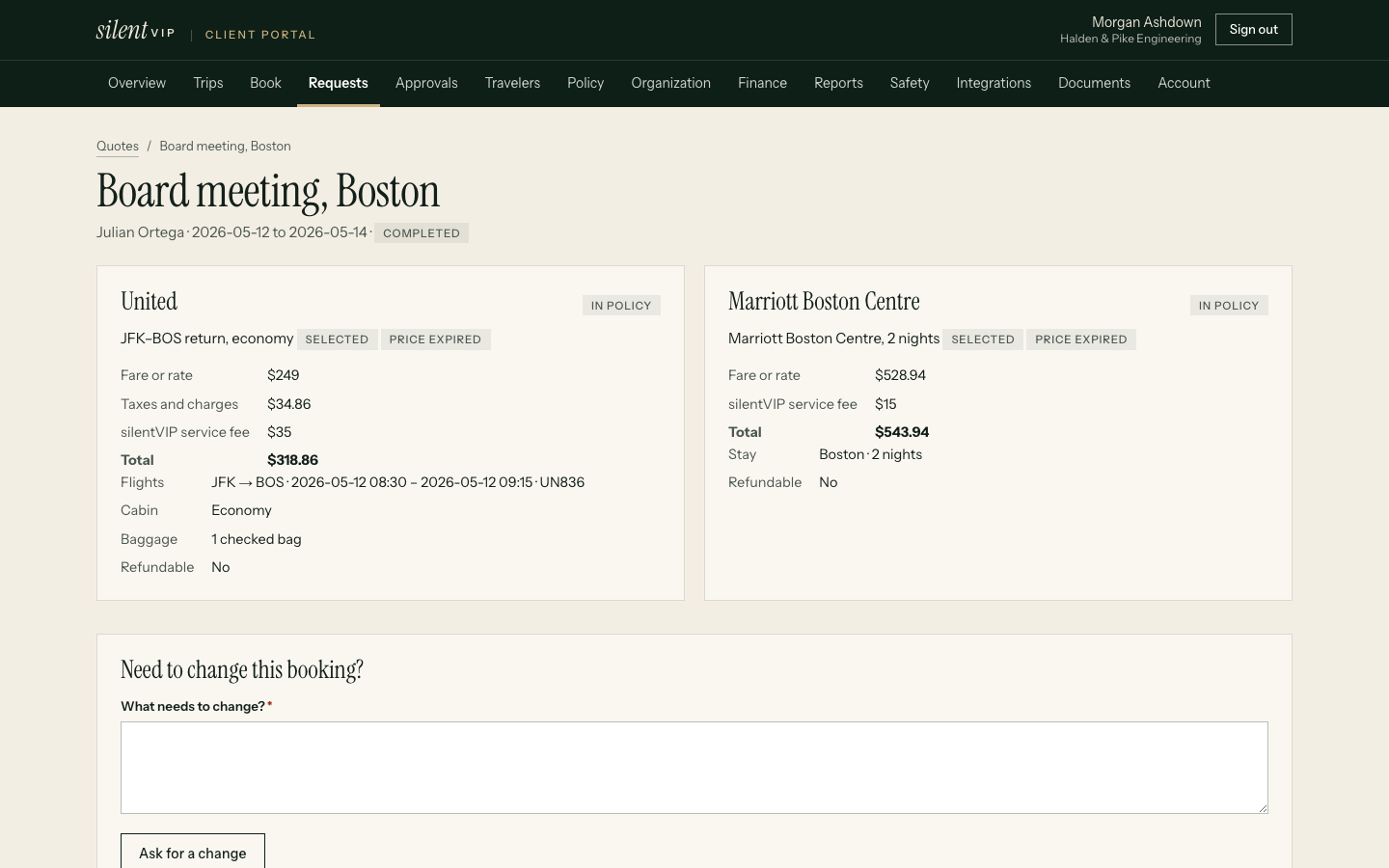
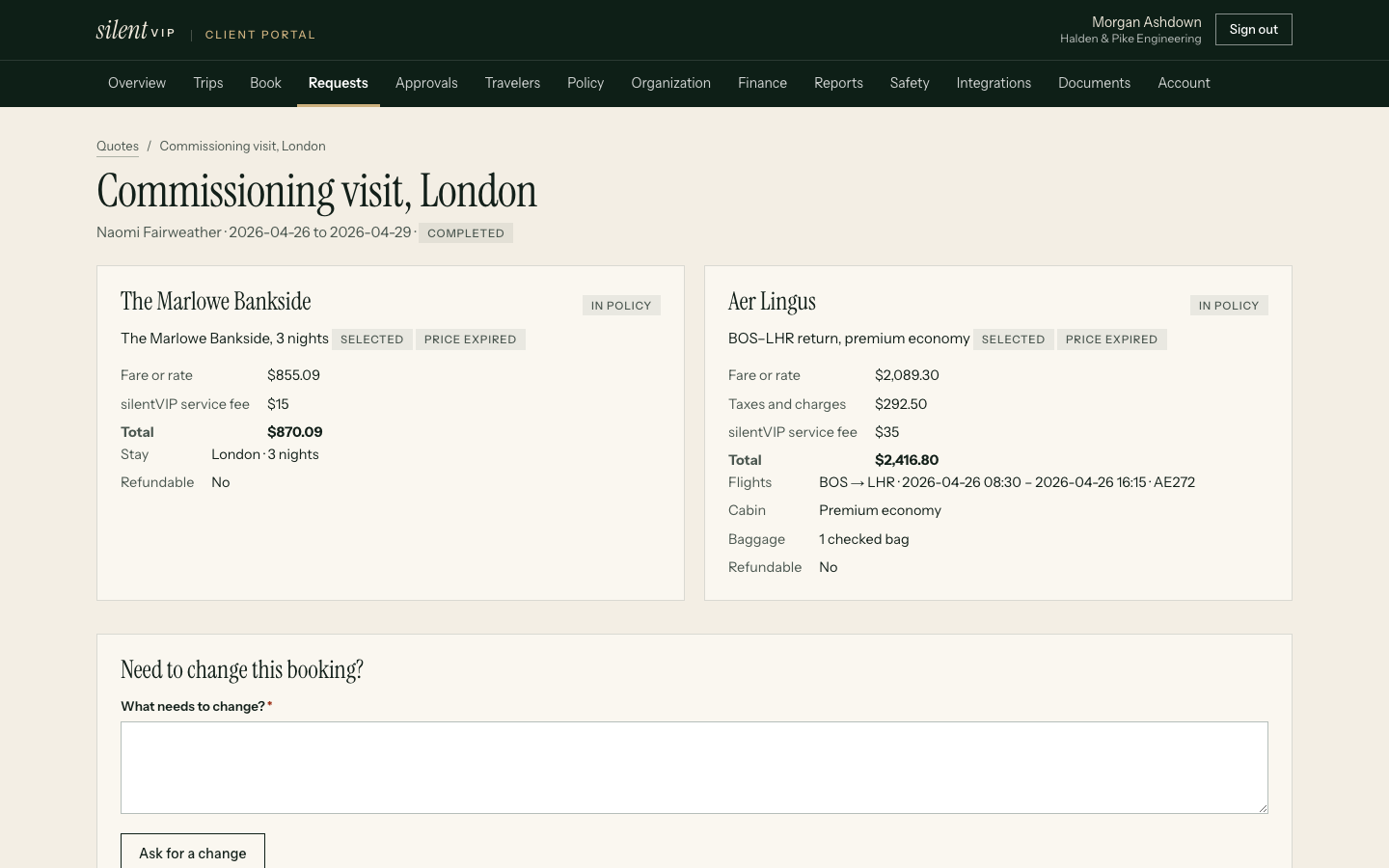
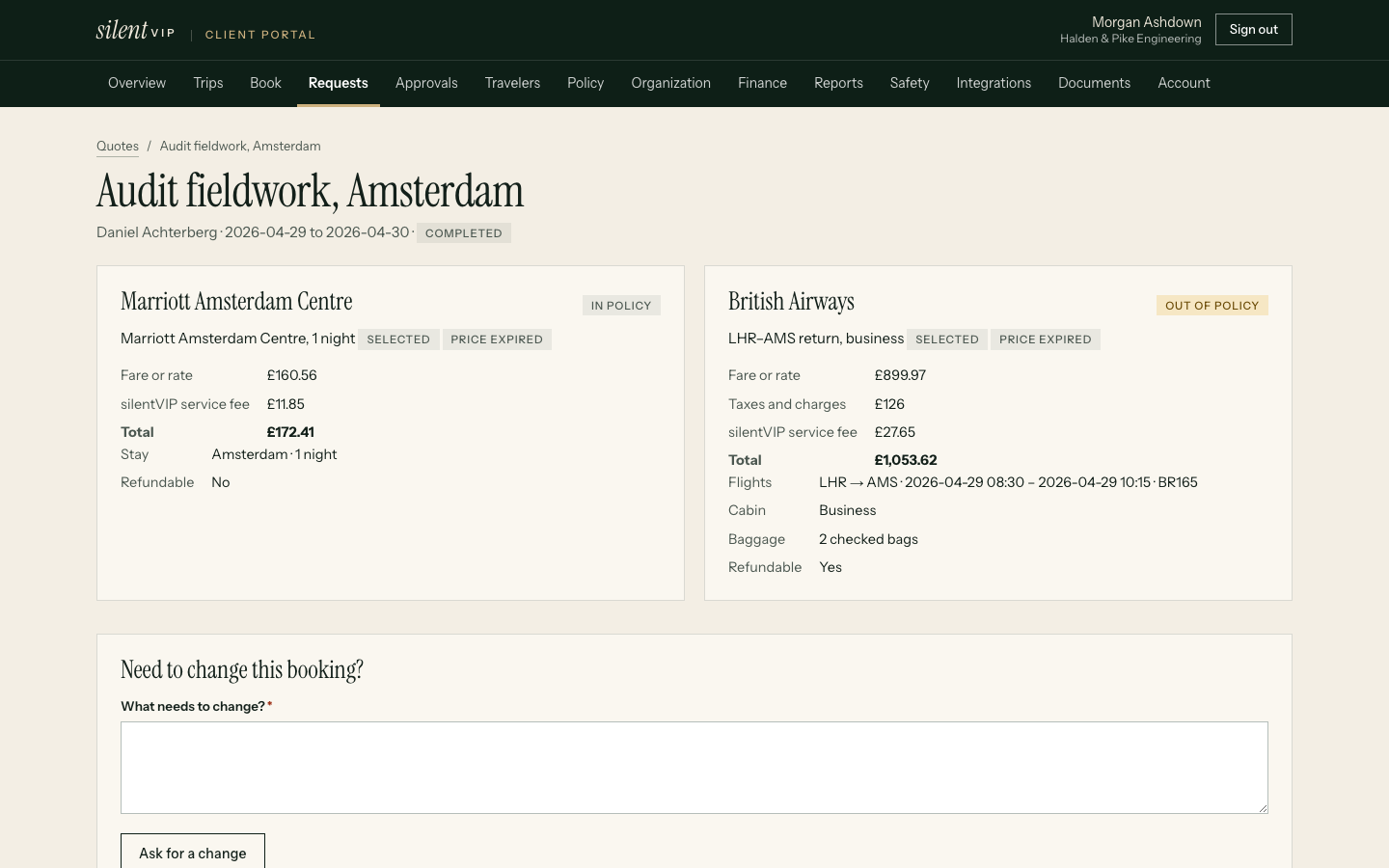
Everyday tasks
What assistants do in silentVIP
Preferences kept
Seats, meals, loyalty numbers and hotel preferences on each traveller's profile, used on every booking.
Guest bookings
Book candidates, clients and visitors as guest travellers, billed to the right department and project.
Invoices
Download invoices and trip documents from the portal, without asking finance.
Refund tracking
See where each refund stands: requested, processing or received.
No shared accounts
You sign in as yourself. Bookings record that you made them on the traveller's behalf.
One itinerary
The traveller, you and our team see the same trip, so a change made by any of you is seen by all.
Evidence
What customers report
Example stories shown until approved customer stories are supplied. They describe no real company.
Questions
Practical answers
Who decides which travellers I can book for?
Do I need to tell you the executive's preferences every time?
Can I call instead?
See delegated booking end to end
We'll book a multi-city trip for a fictional executive and change it.